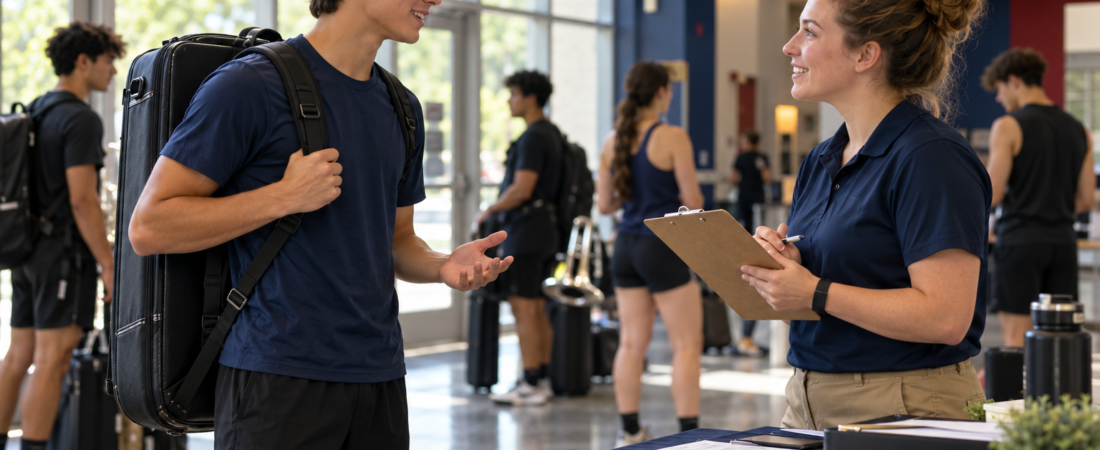
A useful audition recording lets staff evaluate the requested skills without guessing what happened outside the frame. Start with your corps’ current packet: it decides the exercises, tempo, camera view, editing rules, deadline, and submission method. This checklist helps you translate those instructions into a recording plan; it does not replace them.
Build a requirement-to-file map
Before setting up a camera, make one row for every required exercise. Do not add a cinematic shot sequence unless the packet asks for one.
| Packet requirement | Record in your plan | Check before upload |
|---|---|---|
| Exercise or excerpt | Exact name, version, order, and tempo | Correct material is present from beginning to end. |
| Camera view | Required body, hands, instrument, or equipment visibility | No important movement leaves the frame. |
| Take rules | Continuous take or separately allowed clips | No prohibited cuts, overdubbing, effects, or speed changes. |
| Delivery | File type, size, naming, link access, and deadline | The reviewer can open and play the final version. |
Choose the frame for the skill
Brass: use the required angle with the instrument, hands, and relevant posture visible. Keep the microphone out of the direct bell blast if the test audio distorts. Do not replace the requested musical performance with close-up inserts.
Battery: show the playing surface, hands, and any required feet or movement. Test the loudest passage before recording the full take. A visually attractive side angle is not useful if it hides one hand.
Front ensemble: include the required keyboard or instrument range and both hands. Check that music stands do not block the technique staff need to see.
Guard and movement: rehearse the entire travel path and equipment height before choosing the camera position. Leave enough space for the largest movement and use a safe area with suitable clearance. A fixed distance such as ten feet cannot work for every lens, space, or exercise.
Run a short diagnostic test
- Record the quietest and loudest material, plus the widest movement.
- Play the file back with headphones and on the device speaker. Listen for rattling, clipping, or accompaniment covering your performance.
- Watch the edges of the frame, not just your face. Check hands, feet, equipment, and movement endpoints.
- Adjust camera distance, lighting, or microphone position, then repeat the same test.
Use light facing the performer rather than a bright window behind them. Stabilize the phone, clear storage, charge it, and avoid notifications interrupting the take. New equipment is not automatically necessary; solve the problem shown by your test first.
A simple take log
Write the file name, exercise, and one factual note. For example: “take_03 — excerpt B — complete, equipment exits frame at final release.” Keep that take as a reference, correct the framing, and record again. Select a compliant complete performance rather than assembling the best moments if cuts are prohibited.
Warm up using your normal instructor-approved routine. Take appropriate breaks and stop if you are hurt or the space becomes unsafe. There is no universal required warm-up length for every performer.
Check the submitted copy
- Play the exported or uploaded copy, not only the original camera file.
- Confirm the requested order, tempo, identity information, and file name.
- Follow the corps’ access instructions. If a share link is accepted, test it while signed out.
- Remember that an unlisted link can be forwarded; it is not private storage.
- Keep your original recording and submission confirmation until the process is complete.
When instructions are unclear
Send a focused question: “The packet asks for [exercise] from [view]. Should this be a separate clip or part of one continuous video?” Ask before recording an elaborate alternative. Do not assume last season’s rules or another corps’ video examples apply.
Use the Audition Video Studio for preparation and the video examples guide to study recordings critically. Check current opportunities through the official DCI audition directory. This is independent recording guidance, not an official packet, a video review, or a promise of acceptance.